How do I reset the PIN on my debit, ATM, or credit card?
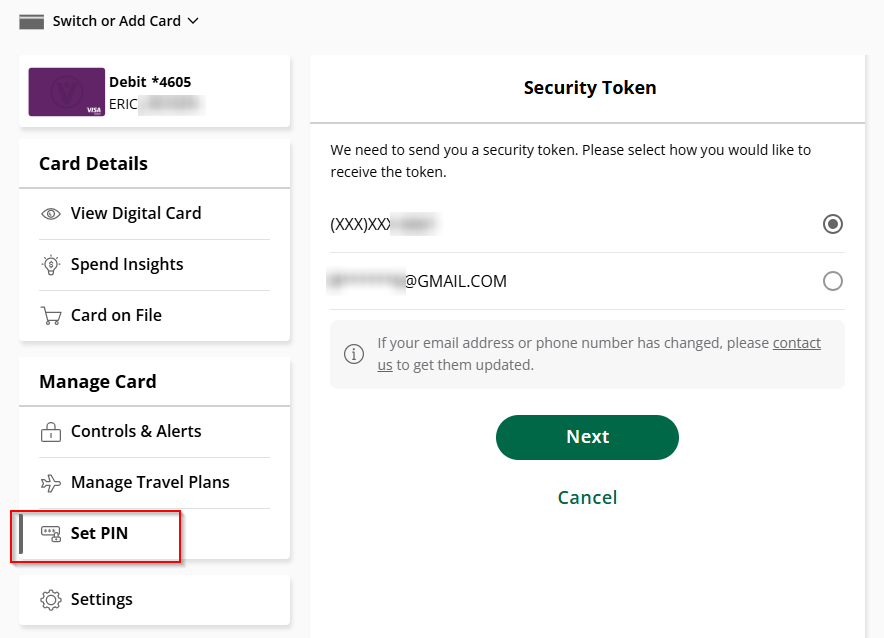
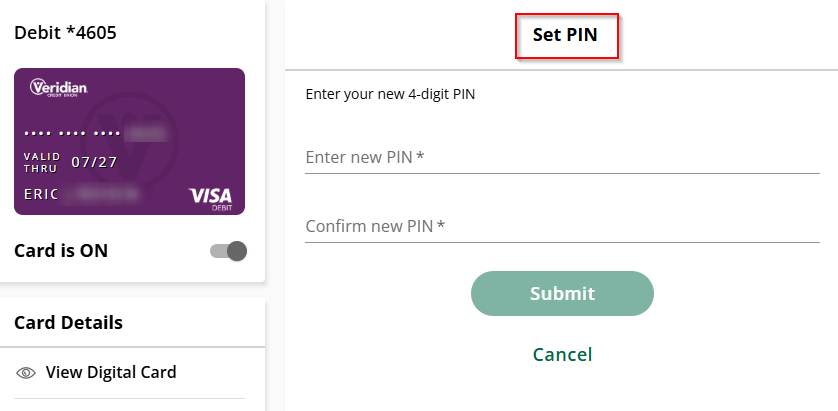
Log in to Digital Banking and select Cards, then My Cards. Under Manage Card, select Set PIN to create a new PIN or update your existing PIN.
You can also call (800) 992-3808 to set or change your PIN.
Related Articles
Related Links