How do I change my existing Greenlight account to Veridian?
If you’re already a Greenlight user at another financial, switching your account to Veridian is easy. Follow the step-by-step instructions below for a seamless transition.
1. Locate the Greenlight tile in your Veridian mobile banking app. Not seeing it? Be sure to check the top and bottom of the accounts page.
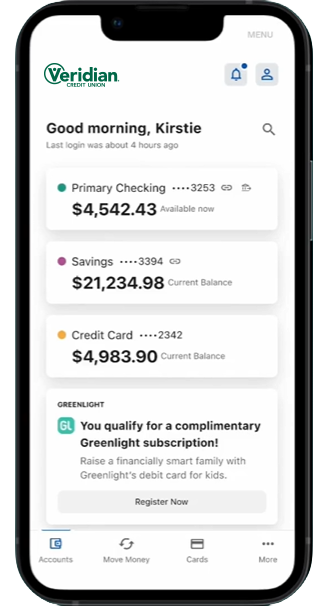
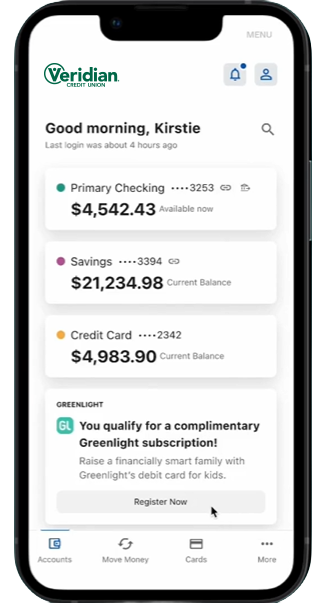
2. Select Register Now on the widget tile.
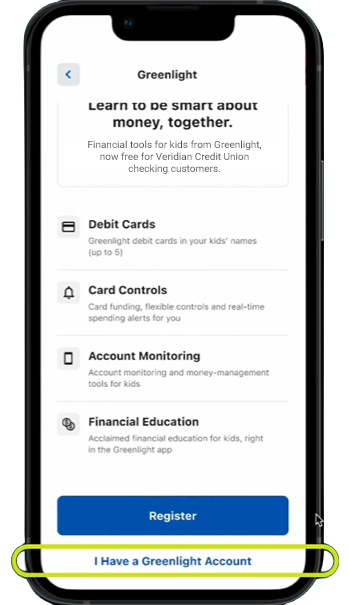
3. You will now see an overview of Greenlight.
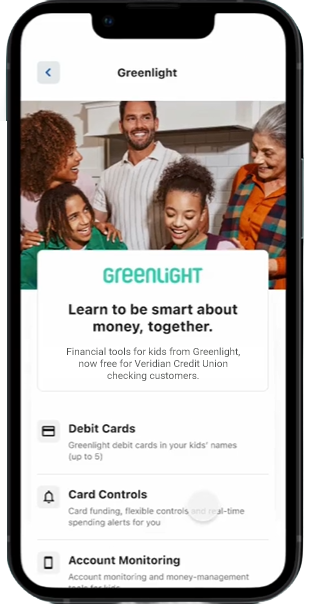
4. Scroll to the bottom of the overview page and select I Have A Greenlight Account to connect your existing Greenlight account to Veridian.
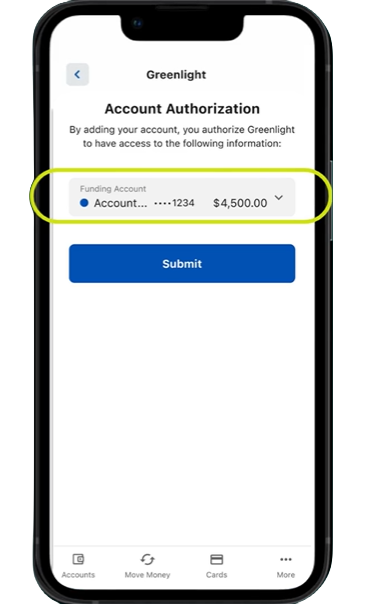
5. On the Account Authorization screen, use the dropdown to choose the Veridian account you would like to fund your Greenlight account. Click Submit.
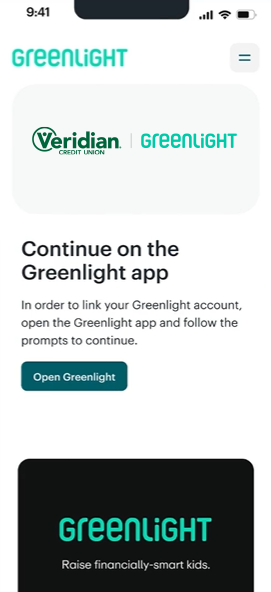
6. On the next screen, you will be redirected to the Greenlight app. Click the Open Greenlight App button.
7. If you are already using a Select plan, your registration is complete.
8. If you are not using a Select plan, you will be prompted to change your plan to the Select plan. Click Yes, continue to change to the Select plan.
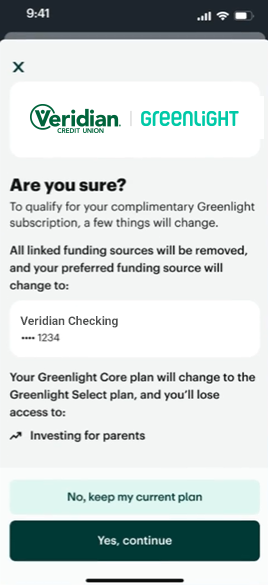
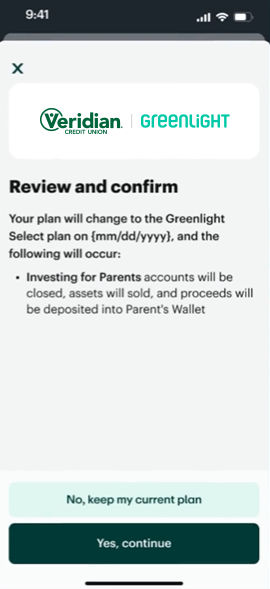
9. You will be asked to confirm these changes once more. Click Yes, continue to complete your registration.
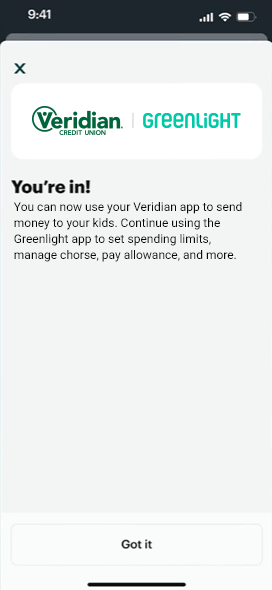
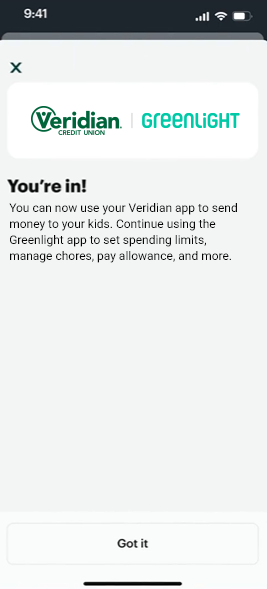
10. Congrats – you’re in!